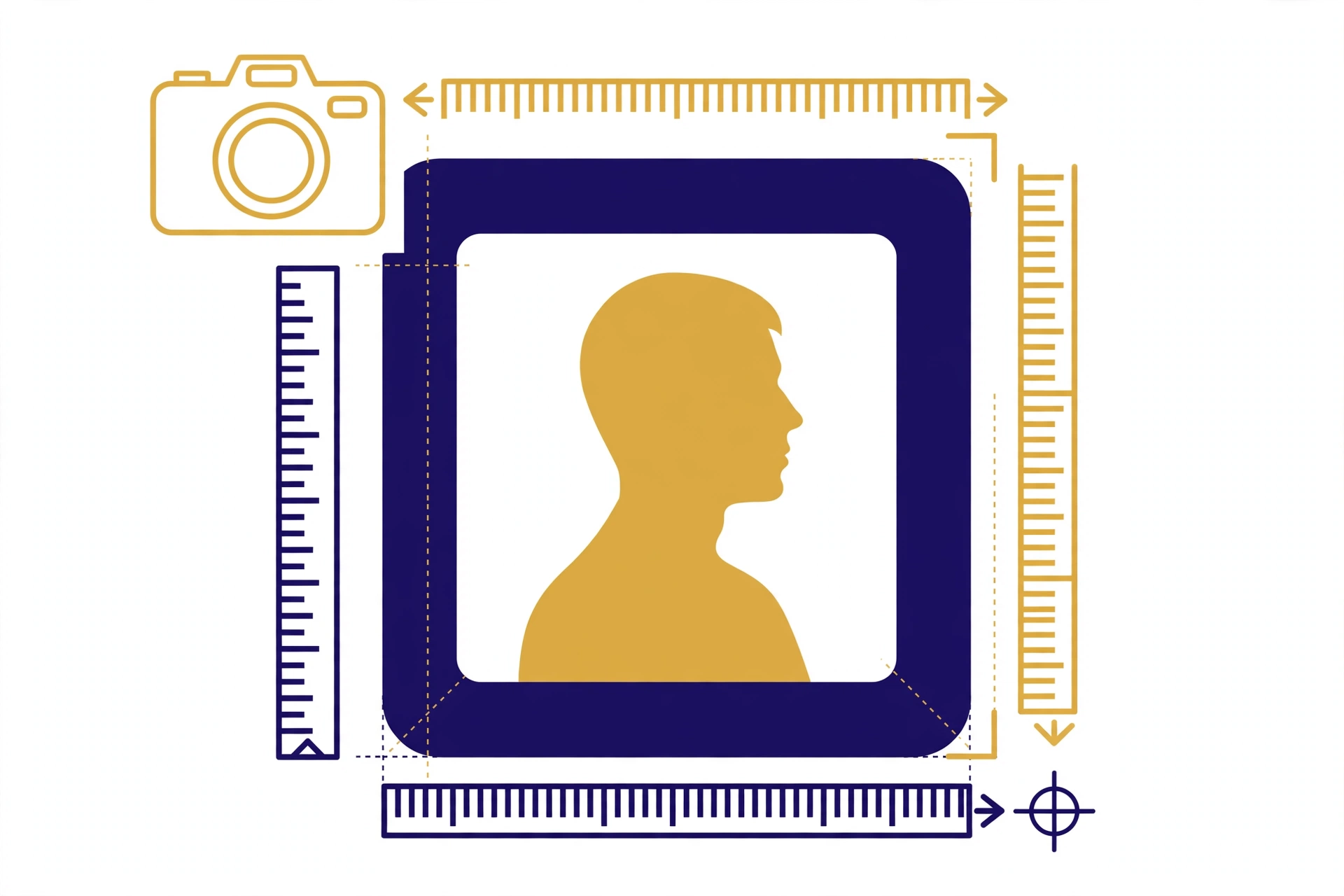
A rejected photo is one of the most annoying, and most avoidable, reasons an Emirates ID application gets delayed. Get the Emirates ID photo size and requirements right the first time, and your application sails through; get them wrong, and you're back at the photo studio losing days.
This guide covers the official photo specifications (dimensions, background, pose, and quality), digital photo requirements for online submissions, the most common rejection reasons, special rules for children's photos, and where to get compliant photos taken across the UAE.
Table of Contents
- Official Photo Specifications
- Digital Photo Requirements for Online Submission
- Common Rejection Reasons (and How to Avoid Them)
- Children's and Infants' Photos
- Renewal vs New Application: Any Difference?
- Printed vs Digital: What to Submit Where
- Where to Get Emirates ID Photos in the UAE
- Frequently Asked Questions
Official Photo Specifications
Emirates ID photos follow ICAO-style passport photo standards, the same family of rules used for passports worldwide. The widely applied specification is a 35 × 45 mm color photo, though you should always confirm the exact dimensions on the official ICP portal or at your service center before submitting, as guidance is occasionally updated.
| Requirement | Specification |
|---|---|
| Dimensions | 35 × 45 mm (ICAO-style; confirm on the official portal) |
| Background | Plain white, no shadows, patterns, or objects |
| Recency | Taken within the last 6 months; must reflect current appearance |
| Face position | Full face, front view, looking directly at the camera |
| Face coverage | Head and top of shoulders; face centered, roughly 70–80% of the photo height |
| Expression | Neutral expression, mouth closed, eyes open and clearly visible |
| Head coverings | Generally not permitted, except for religious reasons, face must remain fully visible from forehead to chin |
| Eyeglasses | Best avoided; if worn for medical reasons, no glare or reflections, eyes fully visible |
| Lighting | Even, natural-looking light; no harsh shadows on face or background, no red-eye |
| Photo quality | Sharp focus, natural skin tones, printed on quality photo paper (for physical submissions) |
Why these rules exist: your photo feeds the biometric facial-recognition systems at airports, borders, and smart gates. Anything that obscures or distorts your facial geometry, shadows, angles, reflections, degrades matching and triggers rejection.
Digital Photo Requirements for Online Submission
Applying or renewing online? You'll upload a digital file instead of handing over prints. Digital submissions are judged by the same visual rules above, plus technical ones:
- File format: JPEG/JPG is the standard accepted format on government portals. (Confirm the accepted formats on the upload page itself, portals occasionally list PNG as well.)
- Resolution: use a high-resolution original, a crisp photo downscaled by the portal beats a small file stretched up. Avoid heavily compressed WhatsApp-forwarded images.
- Aspect ratio: keep the standard passport-photo proportions; don't crop a wide selfie down and expect it to pass.
- No editing: no beauty filters, no background replacement apps, no digital alterations of facial features. Portals and officers can spot edited photos, and they are rejected.
- File size: portals state a maximum upload size on the upload page, if your file is rejected for size, re-export at slightly lower quality rather than screenshotting it.
Phone-camera tip: if you must use a phone, have someone else take the photo (no arm's-length selfies, the angle distorts facial proportions), stand about 1.5 meters from a plain white wall in soft daylight, and keep the phone at eye level.
Common Rejection Reasons (and How to Avoid Them)
These are the issues that most often send applicants back for a retake:
- Wrong background. Off-white, cream, or shadowed backgrounds fail. Use a truly plain white background with no visible corners or objects.
- Smiling or open mouth. Even a slight smile can fail automated checks. Practice a relaxed, neutral, mouth-closed expression.
- Head tilted or turned. Both ears should be roughly equally visible; the face must be square to the camera, not at an angle.
- Glare on glasses. Reflections hiding the eyes are an instant rejection. Remove glasses for the photo unless medically necessary.
- Shadows. Shadows across the face or a dark halo on the background behind the head are common with harsh indoor lighting, use soft, even light.
- Old photo. Submitting a photo that's clearly years old (different hairstyle, aged appearance) fails the recency rule. Take a fresh one.
- Digital alterations. Filters, smoothing, and AI "enhancements" are detectable and disqualifying.
- Wrong size or crop. A photo cropped from a group picture, or printed at the wrong dimensions, won't match the template.
If your application status shows a photo-related hold, don't just re-upload the same image, fix the underlying issue first, or you'll loop through the same rejection.
Children's and Infants' Photos
Children need Emirates IDs too, and their photos follow the same core rules, with practical allowances for age:
- Same standards apply: white background, front-facing, eyes open, no other people or hands visible in the frame.
- Infants: lay the baby on a plain white sheet and photograph from above, or sit them in a car seat covered with a white cloth. The photo must show only the baby, no parent hands supporting the head (a common rejection).
- Eyes must be open. This is the hardest part with newborns. Time the photo for when the baby is alert, and take many shots, you'll need only one good frame.
- No toys, dummies, or hats. Remove pacifiers, headbands, and toys before shooting.
- Fresh photos matter more for kids. Children's appearances change fast; a photo from a year ago may already fail the recency expectation.
Many parents find a professional studio easier for infants, photographers who do Emirates ID photos daily know exactly how to position a baby for a compliant shot.
Renewal vs New Application: Any Difference in Photo Rules?
The photo rules are the same whether you're applying for the first time or renewing, but renewals trip people up more often, for one simple reason: temptation to reuse the old photo.
- New applications: you're starting fresh, so take a new photo that meets every spec in the table above.
- Renewals: you must submit a new photo even if you feel you look the same. The recency rule (within ~6 months) applies equally, and officers compare against your previous card, a visibly older photo is an easy rejection.
- Replacements (lost/damaged cards): same as renewals, fresh photo required.
- Data updates (e.g., nationality or name change): a new photo is typically captured or requested as part of the update.
One more renewal-specific tip: if your appearance has changed significantly since your last card, major weight change, new facial hair, surgery, mention it proactively at the service center. It avoids the awkward situation where the officer questions whether the photo matches the applicant.
Printed vs Digital: What to Submit Where
Different application channels want the photo in different forms. Submitting the wrong form wastes a trip:
| Channel | Photo Format | Notes |
|---|---|---|
| ICP / Amer service center (in person) | Often captured on-site | Many centers photograph you themselves, ask before bringing prints |
| Typing center | Printed photos or digital file | Ask the center which they prefer; most accept a digital file on USB or email |
| Online application / renewal | Digital upload (JPEG) | Follow the digital requirements section above; no filters, high resolution |
| Mobile app | Digital upload or in-app capture | If the app offers in-app capture, use it, framing guides help compliance |
Golden rule: when a center photographs you on-site, you skip every risk in this guide, the operator frames, lights, and validates the shot. If you're given the choice between on-site capture and bringing your own photo, choose on-site capture.
Where to Get Emirates ID Photos in the UAE
You have three practical options, and all can produce compliant photos if you ask for "Emirates ID / passport photo":
- Photo studios and typing centers. Found in every mall and commercial area across the Emirates. They know the exact current specs, print on the spot, and usually hand you both prints and a digital copy. This is the safest option, spec compliance is their daily business.
- ICP / Amer service centers. Many service centers have photo booths or counters on-site, so you can get the photo taken at the same visit as your application.
- DIY at home. Workable for digital uploads if you follow the rules in this guide carefully, plain white wall, soft daylight, another person taking the shot, no filters. Riskier than a studio, but fine for careful adults.
Cost expectation: studio passport-style photos in the UAE are inexpensive, typically a small fixed fee for a set of prints plus the digital file. Prices vary by emirate and mall, so confirm at the counter. Given how cheap a retake-proof photo is versus the cost of a delayed application, the studio is money well spent.
Frequently Asked Questions
What is the exact Emirates ID photo size?
The widely applied ICAO-style specification is 35 × 45 mm with a plain white background. Confirm the exact current dimensions on the official ICP portal or at your service center before submitting, as guidance is occasionally updated.
Can I use an old photo for my Emirates ID renewal?
No, photos must be recent (generally within the last 6 months) and reflect your current appearance. Reusing an old photo is a common rejection reason.
Can I take the photo myself with my phone?
Yes, for digital uploads, provided you follow every rule: white background, front-facing, neutral expression, no filters, high resolution, and have someone else take it (no selfies). When in doubt, a studio is safer.
Can I wear a hijab or headscarf in the photo?
Head coverings worn for religious reasons are generally permitted, but your full face must remain visible from forehead to chin, with no shadows cast on the face. Confirm specifics at your service center if unsure.
Are glasses allowed in Emirates ID photos?
It's best to remove them. If you must wear glasses for medical reasons, ensure there is no glare or reflection and your eyes are fully visible. Tinted lenses are not acceptable.
Why was my child's photo rejected?
The most common reasons: another person's hands visible supporting the baby, eyes closed, a toy or dummy in frame, or a non-white background. Retake with the baby alone against plain white, eyes open.
Conclusion
The Emirates ID photo size and its companion rules are simple, 35 × 45 mm ICAO-style, white background, front-facing, neutral, recent, unedited, but every rule matters because biometric systems check them all. A five-minute studio visit is the cheapest insurance against a delayed application.
Next steps: photo ready? Run an Emirates ID status check to follow your application, or track your card's delivery once it's dispatched. Still need the ID urgently? Learn how to download your Emirates ID online.